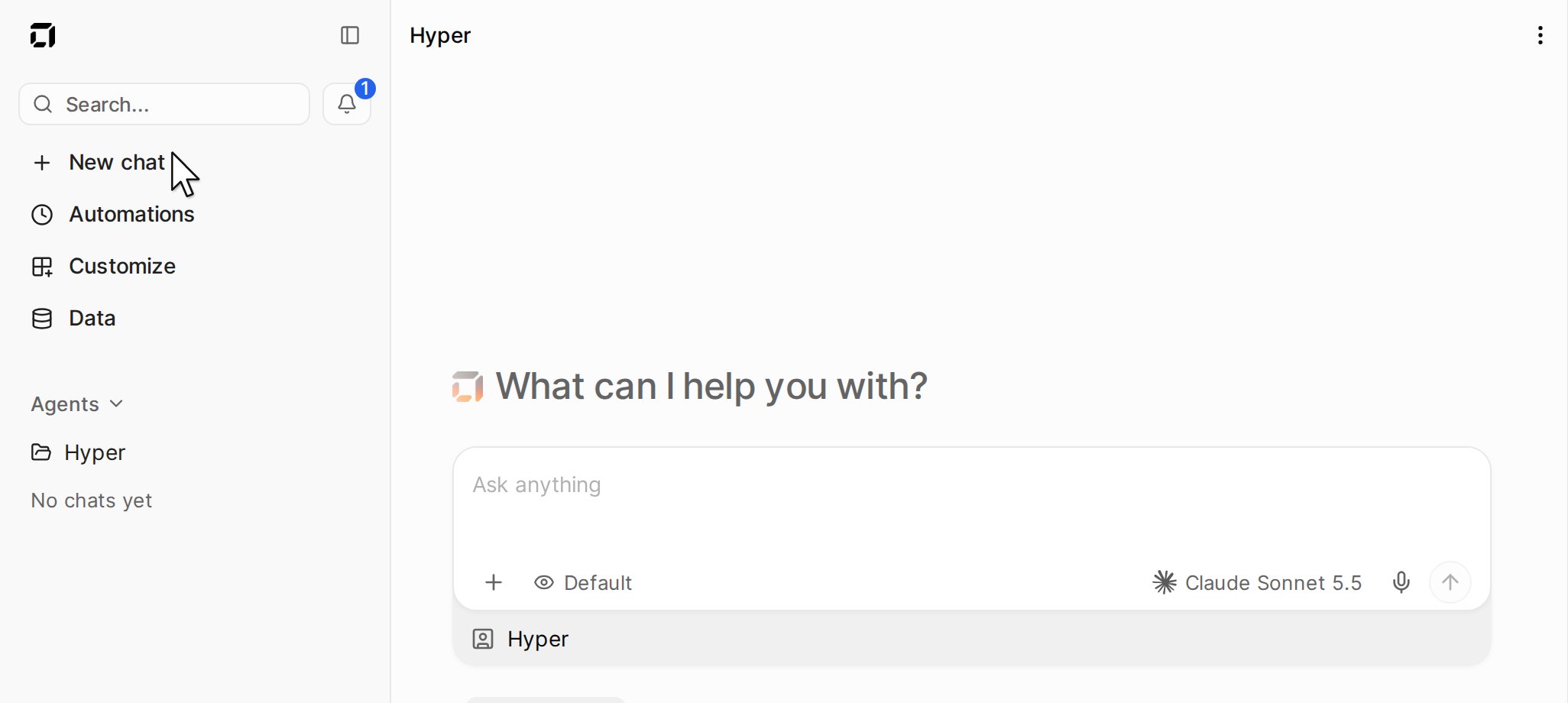
Click New chat, type what you want, and press Enter.
The sidebar with New chat, and the message box

More options

Click the plus button in the message box.
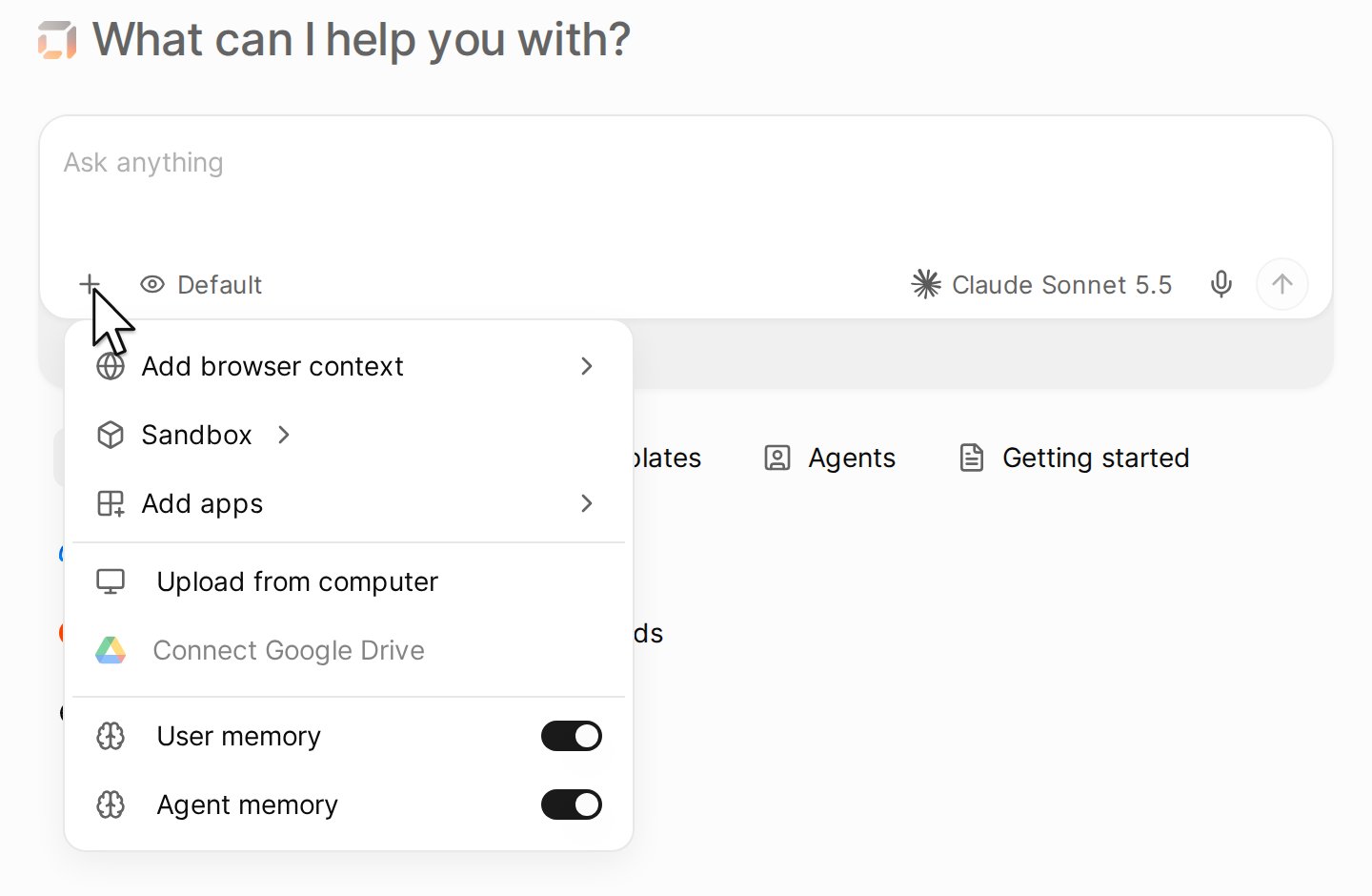
The plus button of the message box, with its options

Approvals

The agent asks before a sensitive action, for example before it sends an email. Click Approve or Deny. To change when it asks, see Access and approvals.
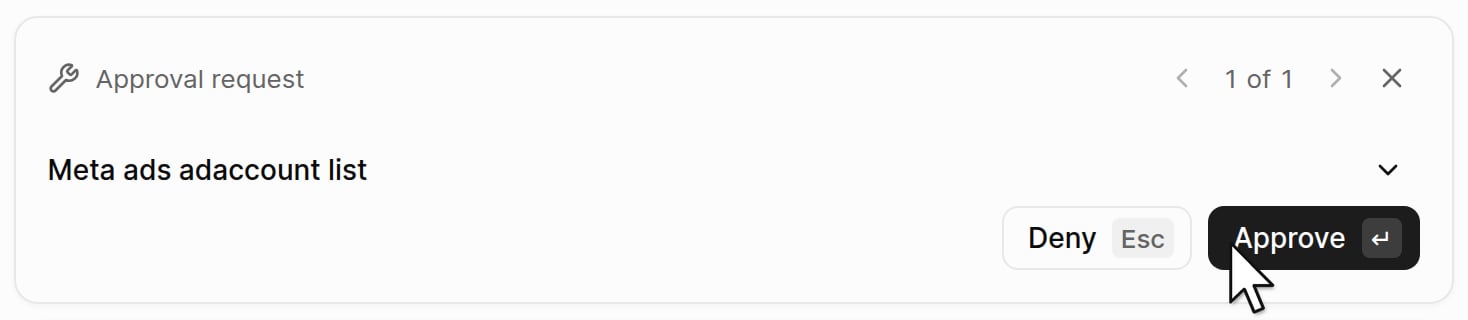
An approval request above the message box, with the Deny and Approve buttons

Connect an app

When a job needs an app that is not connected, the agent asks for it. Click Connect.
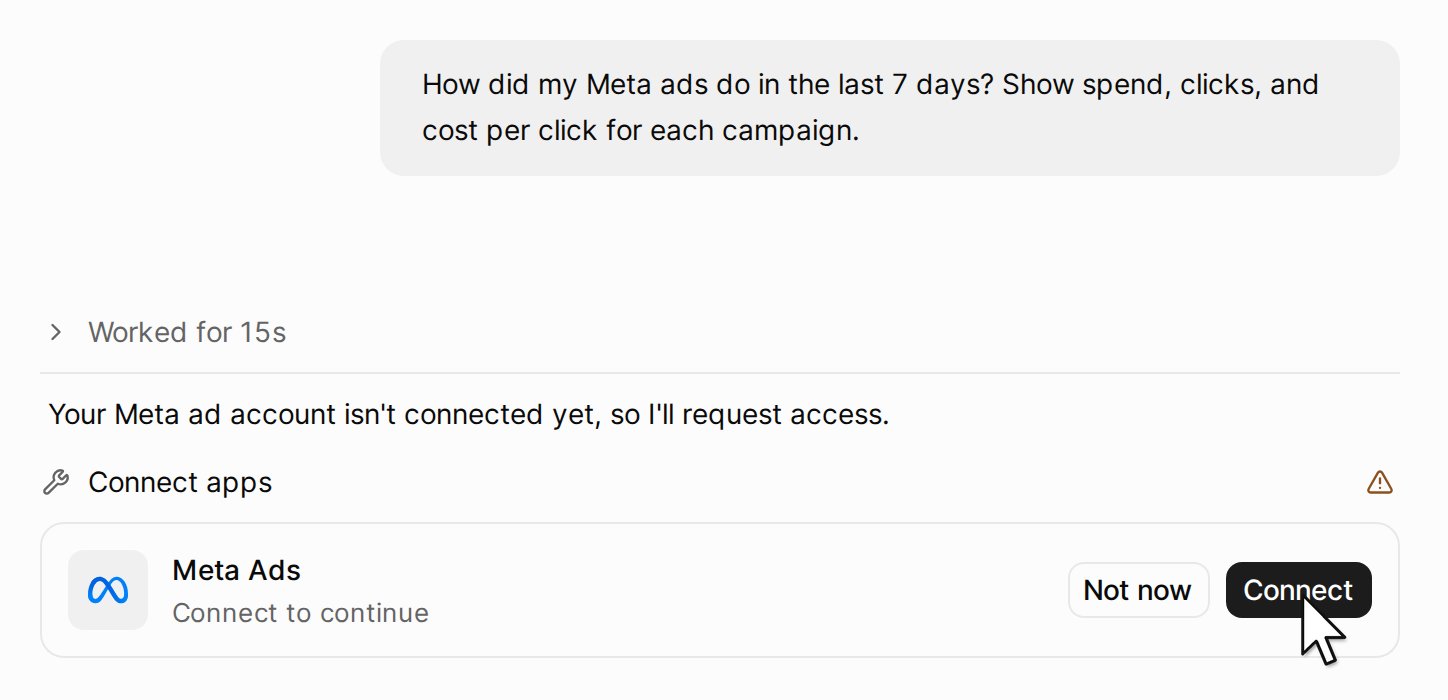
The agent asks to connect Meta Ads, with the Connect button

Repeat a job

Ask for a task in the same chat, for example a report every Monday. See Set up a task.